
Unified in Owlaria
Organize in the app, then browse and read across every source.
Owlaria features
One library for NAS and local folders, without changing your storage.
01Sources
Add your existing NAS and local folders. Owlaria keeps organization data in the app.
Files and folder structures stay where they are.
Organize in the app, then browse and read across every source.
Browse and read across multiple SMB NAS locations and local folders from one library.
Owlaria does not rename, move, delete, create, or write sidecar files at the source.
02Organize
Find a book by cover, search, or the folder structure you already know.
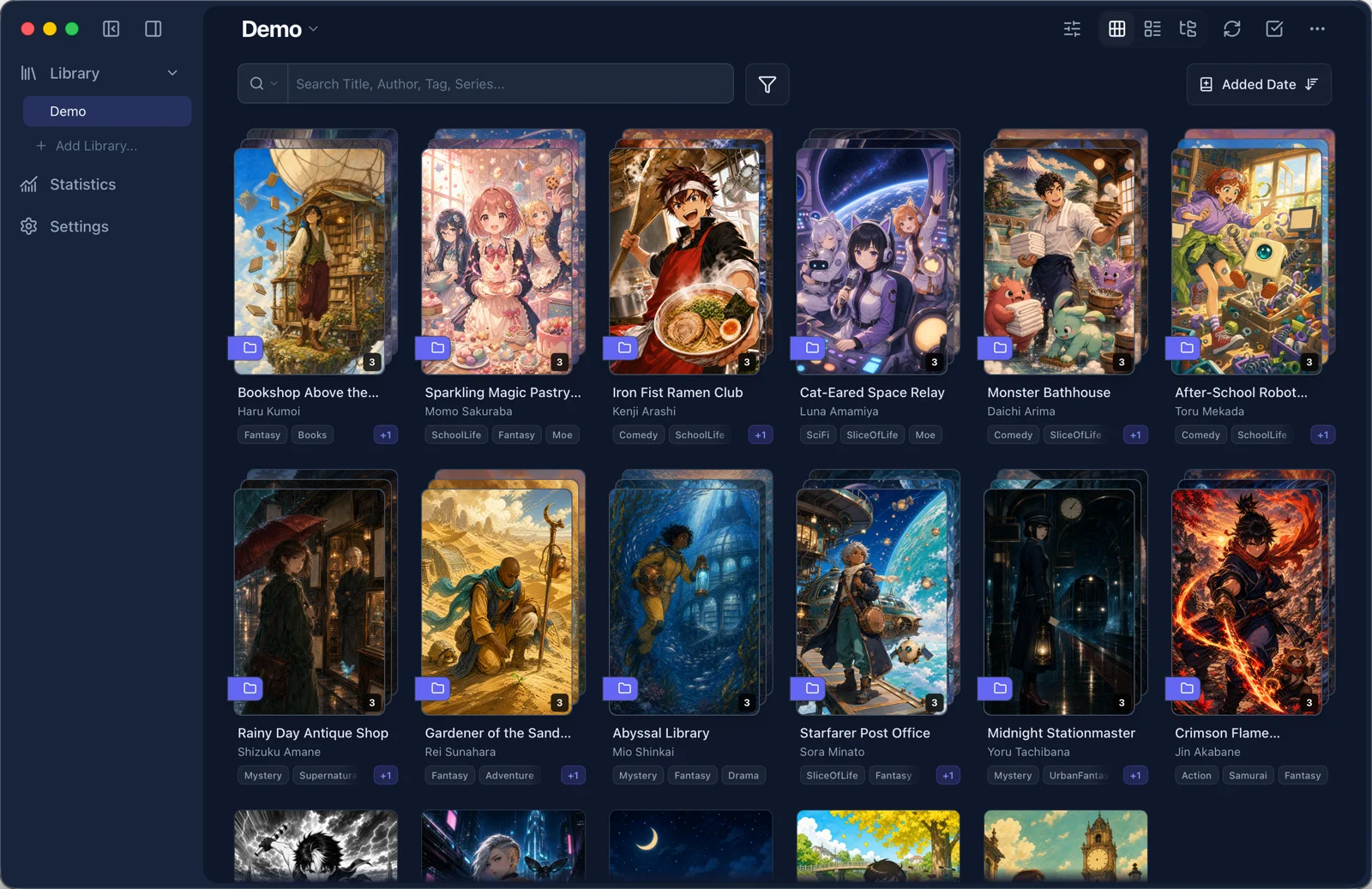
Search titles, authors, series, and tags, then filter by reading state or rating.
Extract titles, authors, and tags from naming rules without renaming files.
Keep Owlaria metadata when a file moves or changes its name.
Find books by following the folder structure you already know.
03Library
Organize series and covers, save your place, and protect private libraries.
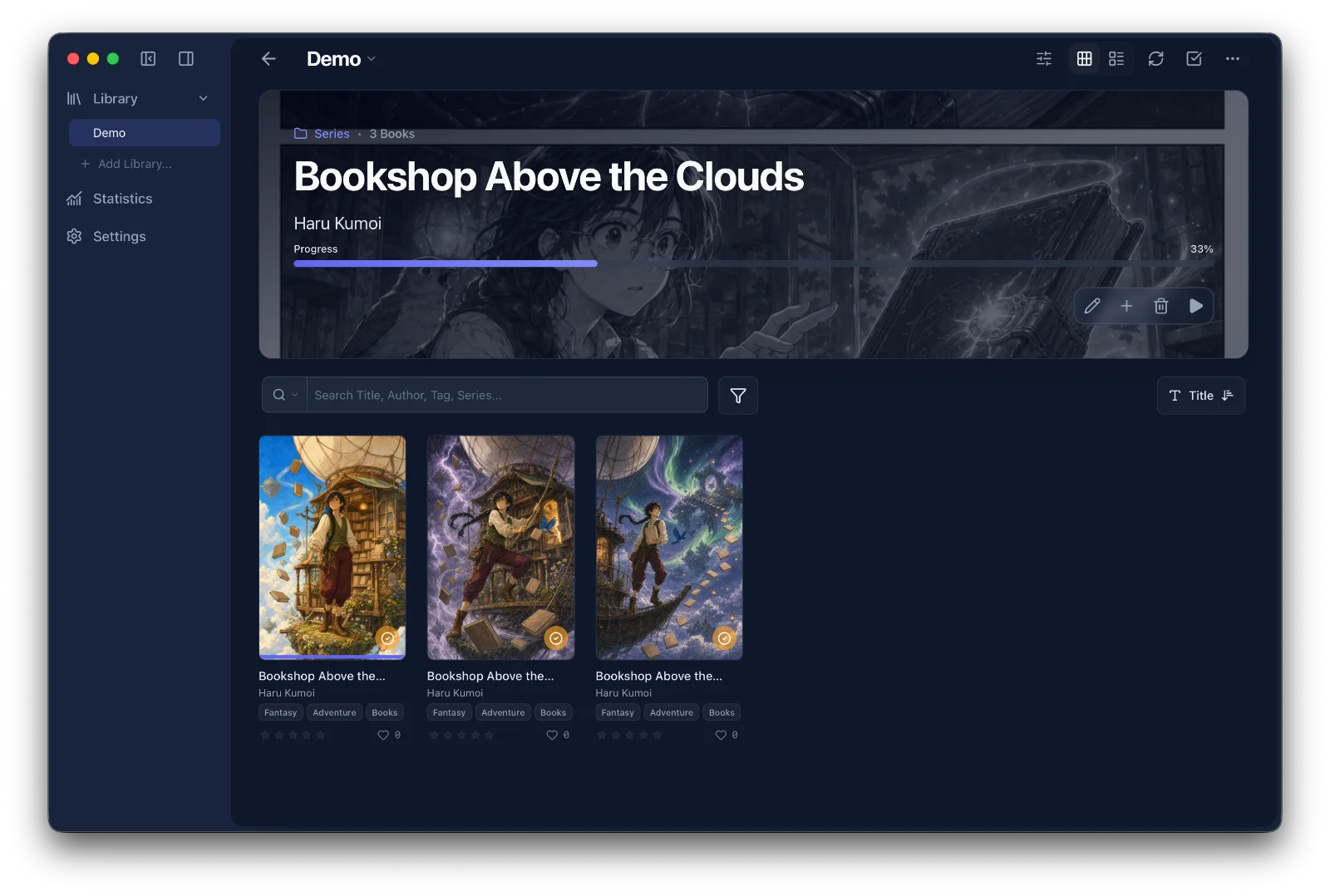
Track series progress and continue with the next unread volume.
Optionally group newly found comics into series by their leaf folders.
Choose any page as a cover and crop it to the right framing.
Protect a library with a password, Touch ID, or Face ID.
Save the last page in your library and continue from there next time.
04Viewer
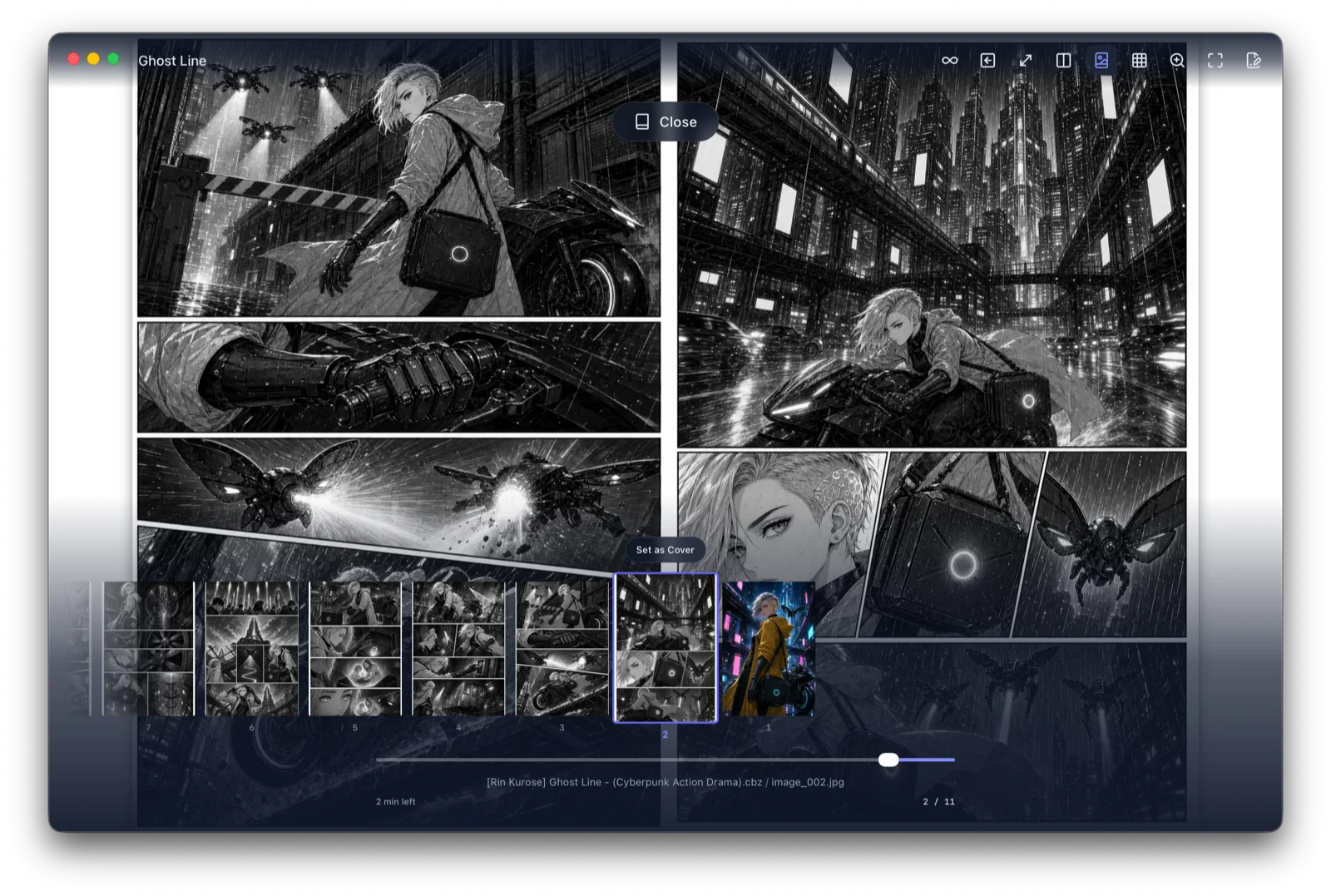
Reduce loading waits, choose the reading direction and page layout, or save selected books for offline reading.
Mac Temporary Viewer
Open a single comic from your usual folders without creating a library.
Associate ZIP or CBZ files with Owlaria, then double-click to open.
Drop a file onto Owlaria to open it in a separate window.
Your place is saved in Temporary Viewer History.
Start remote ZIP, CBZ, and PDF books without waiting for a full copy.
Control cache size and save selected comics for offline reading.
Pinch on iPhone or use a Mac trackpad. Mac also supports a zoom lens and fullscreen.
Keep covers single, show wide images as one page, and adjust spread alignment.
Jump with the scrubber or thumbnails, then move to the previous or next book.
Prefetch pages in the reading direction while keeping controls responsive.
05Statistics
Review reading volume, active hours, and your collection by tag.
Review reading time, finished books, and pages.
See which hours of the day you read most.
See how many comics in your collection use each tag.
06Settings
Adjust themes, page effects, and Mac keyboard shortcuts to fit how you use Owlaria.
Adjust themes, backgrounds, and page effects.
Customize desktop shortcuts on Mac.
Supported environment
Use shared folders on your network from Mac and iPhone.
Compatibility
Register and read without converting or extracting first.
Password-protected ZIP, CBZ, RAR, CBR, 7Z, and CB7 files are supported.
Platforms & pricing
First on Mac and iPhone, with Windows and Android planned.